
Form Development Using Blender Studio 1: Introduce the software, where to download, which version, [basic setting to start out, (Tab) to enter Edit Mode /Object Mode, different modes within blender (object mode, edit mode etc), basic keyboard commands such as 1,2,3, (G)rab, x,y,z,etc. camera positioning and movement, camera settings, light settings etc, materials etc., Shift A to add objects. Ctrl A to apply attributes, scale, rotate, Output Settings]
Exercise 1: Composition using basic tools, 1080 x 1080 image using unedited primitive shapes
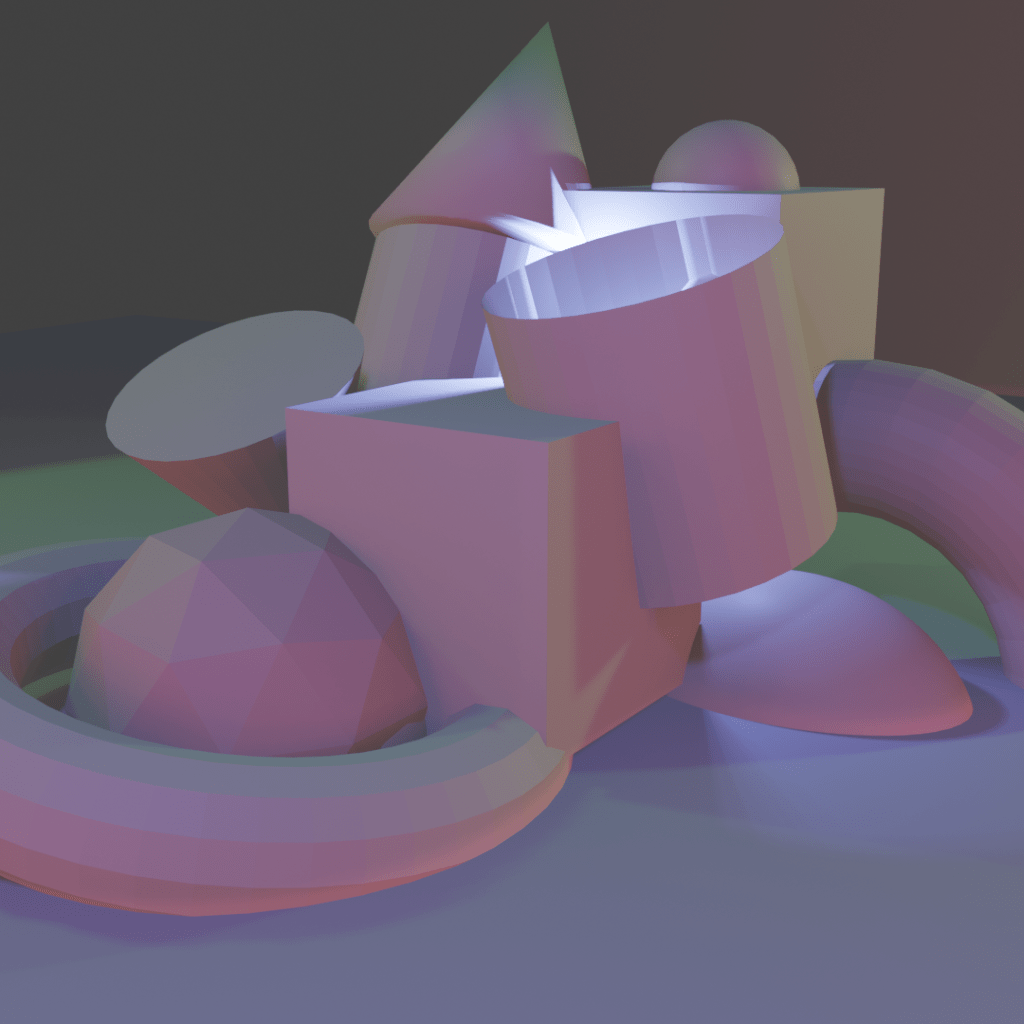
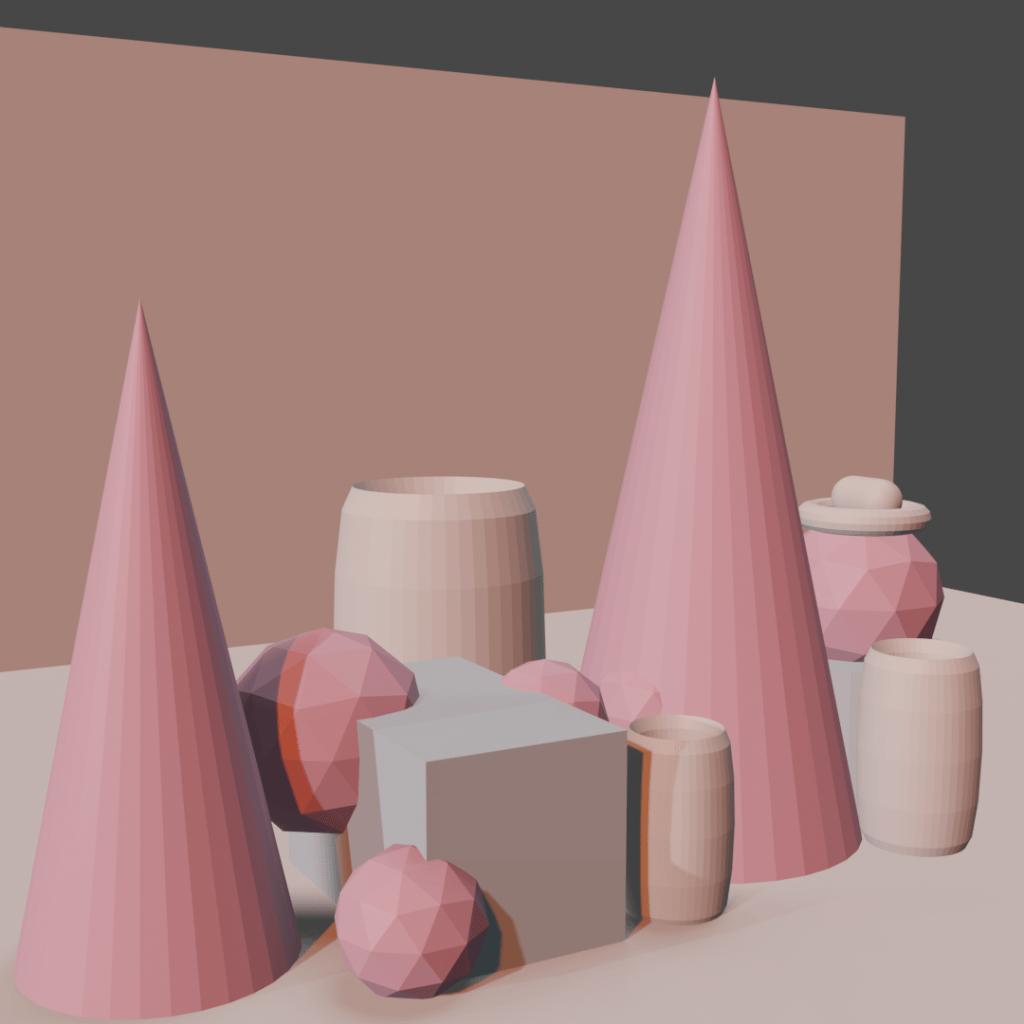
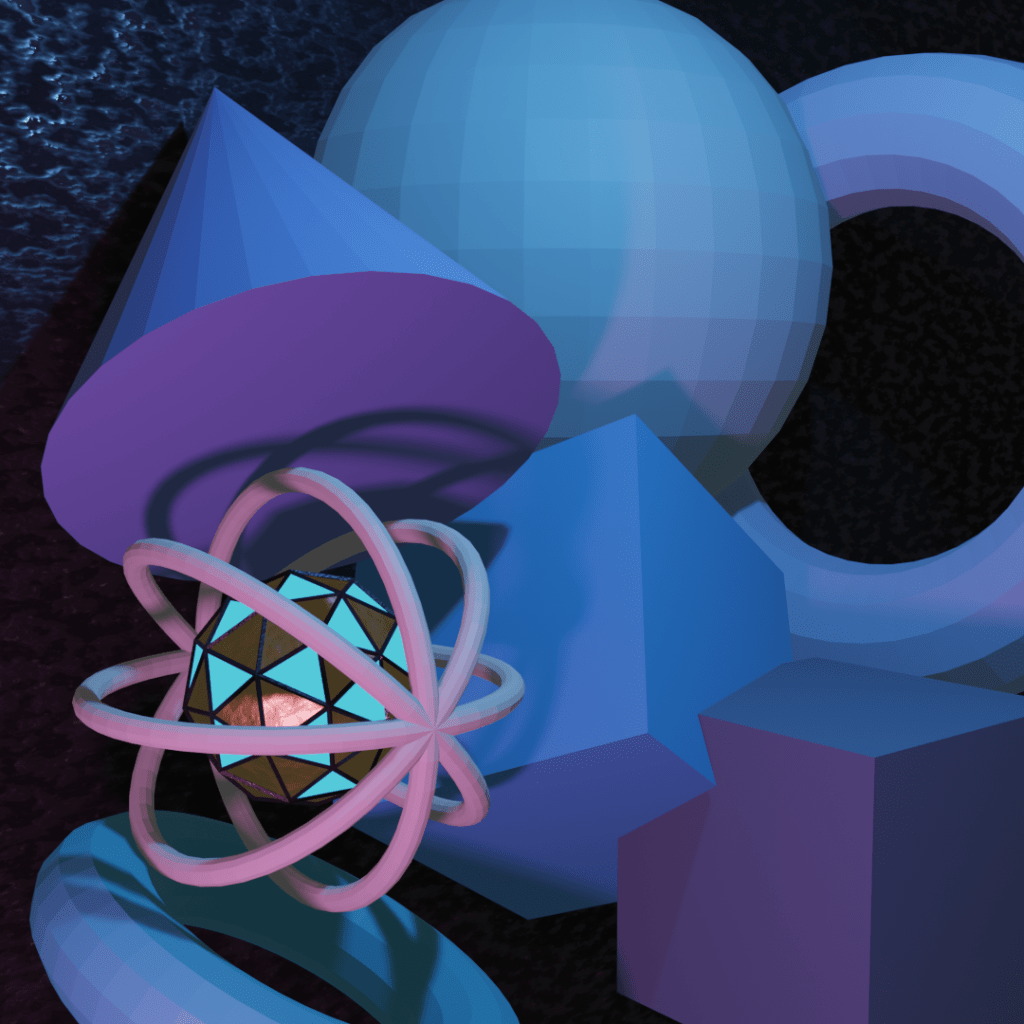
Intent of the studio was to help students familiarize themselves with the interface and tools needed to move and setup the working scene.
 Daniel Neville D'Souza